 Free worldwide shipping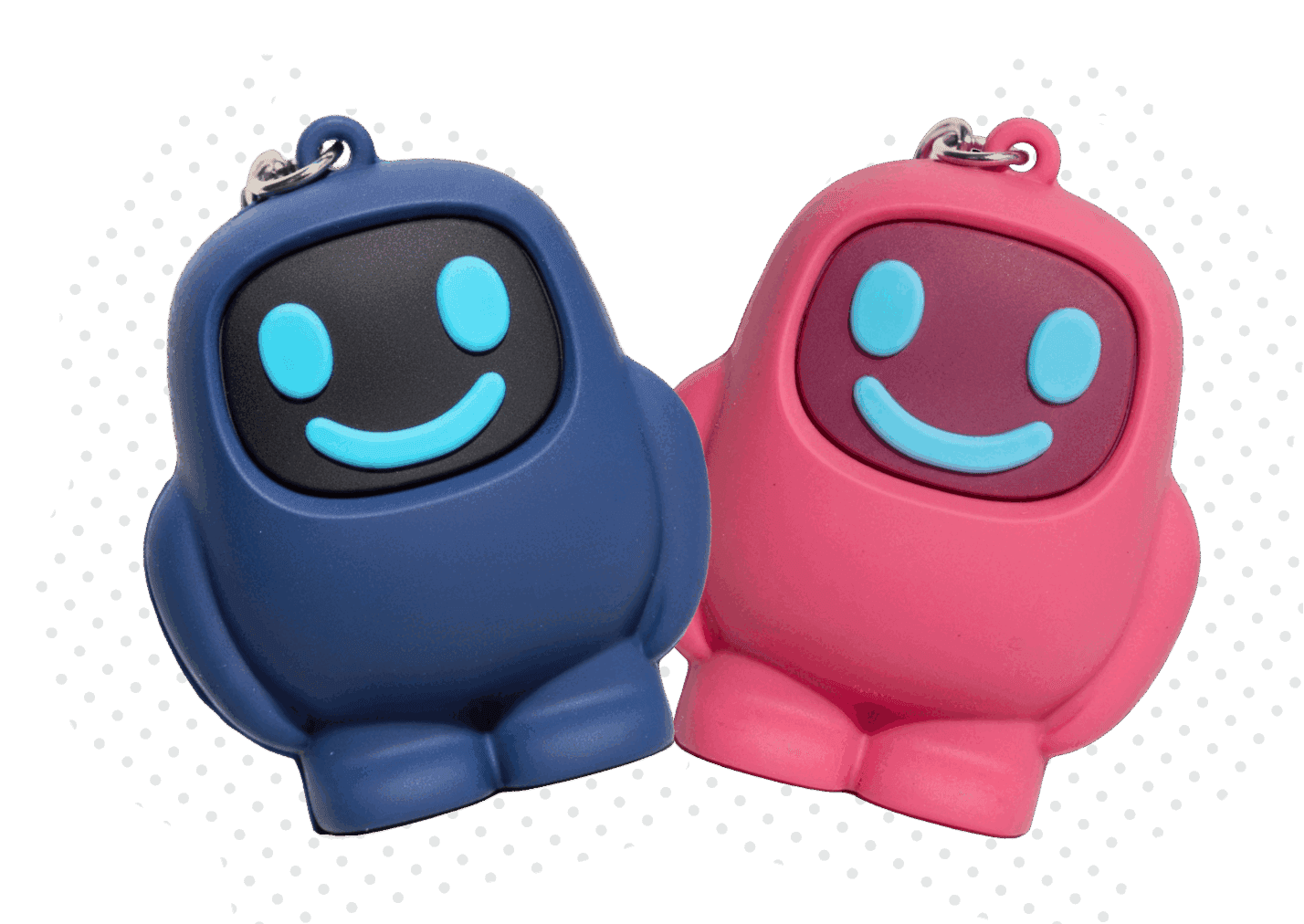
Dumb Phone Alternatives: How to Reduce Screen Time Without Giving Up Your Smartphone

The average person spends nearly 4.5 hours a day on their phone. Americans push past 5. Over a lifetime, that adds up to years of staring at a screen.
That's why dumb phones are having a moment. People are tired of fighting billion-dollar apps with willpower alone.

But for most of us, switching fully to a dumb phone isn't realistic. You still need maps, banking, WhatsApp, work apps, two-factor codes, tickets, and a camera. So the real question isn't "Should I get a dumb phone?" It's:
"How can I make my smartphone less addictive without making life harder?"
That's where dumb phone alternatives come in.
Why Dumb Phones Work
Dumb phones work because they remove temptation at the source. No TikTok. No Instagram. No endless YouTube. Opening a distracting app takes one second on a smartphone - on a dumb phone, it's not possible at all.
That difference matters. Most scrolling doesn't start with a decision. It starts automatically. You unlock your phone, check one thing, and 30 minutes disappear.
The constant feed of dopamine hits also has real effects on stress, sleep, and focus — something we cover in more depth in Screen Time and Stress: How Constant Scrolling Impacts Mental Health.
The Problem With Dumb Phones
Most people who buy a dumb phone return to their smartphone within weeks. Not because the idea is bad — because modern life is built around smartphones. You can't easily replace Google Maps, mobile banking, Uber, Apple Pay, or work apps.
So instead of replacing your phone, the better approach for most people is making your existing phone behave more like one.
The Best Dumb Phone Alternatives
1. Built-in Screen Time limits. A decent first step on iPhone or Android. Easy to set up — but also too easy to tap "Ignore Limit" the moment you actually want to scroll.
2. App blockers. Tools like Opal, One Sec, or Freedom add software-level friction. Helpful, but they live inside the same phone you're trying to control. The off switch is always one tap away.
3. Notification cleanup. Turn off every notification that isn't time-sensitive. This won't stop intentional scrolling, but it reduces how often your phone pulls you back during the day.
4. Two-device setups. One smartphone for daily life, one simplified phone for evenings or weekends. Effective, but expensive and inconvenient.
5. Physical phone blockers. This is where things get interesting. A physical device adds real-world friction that software alone can't match.
That's the idea behind Scrolly — a small physical tag that blocks your distracting apps the moment you tap it to your phone. To unblock them, you tap Scrolly again. Leave the tag in another room and your distractions stay locked. That extra step turns "one tap to TikTok" into "go find the tag first," and that pause is usually enough to ask: Do I actually want to open this — or am I just bored?
We go deeper into how Scrolly compares to alternatives like Brick, Unpluq, Opal, and Bloom in this breakdown.
Why Physical Blockers Hit the Sweet Spot
A dumb phone gives you strong control but makes daily life harder. A normal smartphone gives you convenience but constant temptation. Physical blockers sit in the middle.

They let you keep the useful parts of your phone such as maps, payments, messages, work, while making the addictive parts harder to reach. That balance matters because most people don't actually want to quit their phone. They want to quit:
- losing evenings to TikTok
- checking Instagram every 10 minutes
- watching YouTube before sleep
- spending 1–2 hours a day on apps they don't even enjoy
Physical blockers work because they don't rely on motivation. They change the environment. Instead of asking your brain to make the right decision 50 times a day, you make the distracting choice harder by default.
It's the same principle as keeping sweets out of the house or putting running shoes by the door. Better behavior gets easier when the environment supports it, which is especially useful for anyone who struggles with focus, something we explore in ADHD Productivity: Simple Tools to Stop Distractions.
You Don't Need a Perfect Detox
Most people fail at reducing screen time because they aim too big. Delete every app. Quit social media forever. Switch to a dumb phone overnight.
A smaller, repeatable approach works better:
- Make distractions harder to access
- Create a pause before scrolling
- Keep the useful parts of your phone
- Block the apps that pull you in
A dumb phone is one option. For most people though, the better answer isn't a new phone. It's a better way of using the one they already have. That's why Scrolly exists: same phone, fewer distractions, no subscription, and no off switch sitting one tap away.